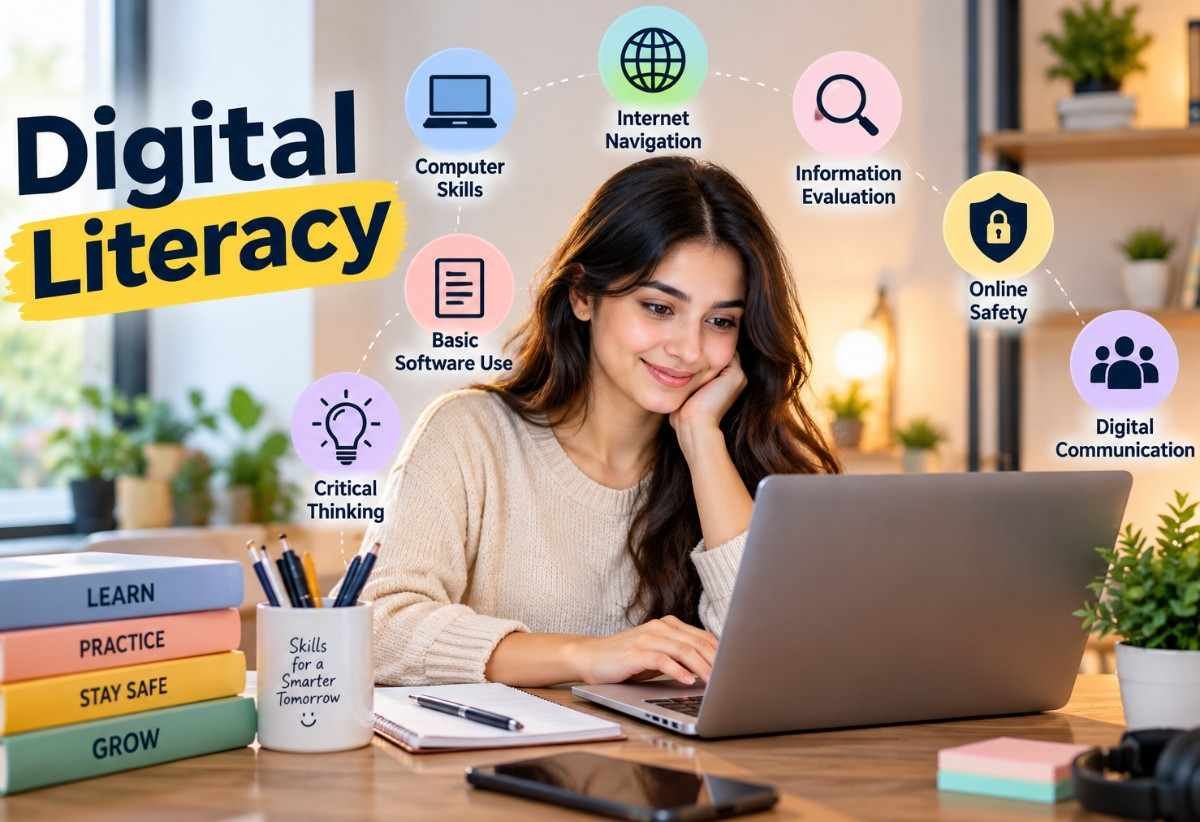
Technology has become an important part of our everyday lives. From attending online classes and searching for information to preparing presentations and communicating with others, digital devices and the internet have changed the way we learn, work, and interact.
Students today use smartphones, computers, tablets, educational applications, and online platforms for different learning activities. However, simply knowing how to operate a device does not mean someone is digitally literate. It is equally important to understand how to find reliable information, protect personal data, communicate respectfully, and use technology responsibly.
This is where digital literacy becomes important. It helps students develop the knowledge and practical skills needed to use digital technology confidently, safely, and effectively.
Digital literacy is an essential educational topic because it prepares students for modern classrooms, future careers, and everyday responsibilities in an increasingly digital world.
What Is Digital Literacy?
Digital literacy refers to the ability to use digital devices, technologies, and online resources effectively, safely, and responsibly. It includes finding information, evaluating its accuracy, creating digital content, communicating online, and solving problems using technology.
In simple words, digital literacy means knowing how to use technology intelligently rather than simply knowing how to use a computer or smartphone.
For example, a digitally literate student can search for information for a school assignment, identify trustworthy websites, prepare a presentation, communicate with teachers through educational platforms, and avoid suspicious links or online scams.
Digital literacy involves the ability to access, manage, understand, evaluate, communicate, and create information through digital technologies.
Importance of Digital Literacy
Why Is Digital Literacy Important in Education?
Digital literacy plays an important role in modern education because learning is no longer limited to textbooks and traditional classrooms. Students can now access online libraries, educational videos, virtual classrooms, digital assignments, and interactive learning platforms.
Here are some important reasons why digital literacy matters in education.
- Improves Learning Opportunities: Students can explore different subjects through online courses, educational videos, digital libraries, and interactive learning resources.
- Develops Research Skills: Digital literacy teaches students how to search for information, compare different sources, and identify accurate educational content.
- Encourages Independent Learning: Students can use digital resources to understand difficult concepts and develop knowledge beyond classroom lessons.
- Improves Communication: Digital tools help students communicate with teachers, classmates, and educational communities through emails, discussion forums, and learning platforms.
- Builds Critical Thinking: Students learn to question online information, recognize misleading content, and make decisions based on reliable evidence.
- Supports Creativity: Digital applications allow students to create presentations, videos, posters, digital artwork, and educational projects.
- Prepares Students for Future Careers: Many modern professions require basic computer knowledge, online communication, data management, and other digital skills.
- Promotes Responsible Technology Use: Students learn about online privacy, cybersecurity, digital behavior, and respectful communication.
10 Essential Skills of Digital Literacy
Digital literacy includes several important skills that help students use technology effectively in their academic and personal lives.
1. Information Searching Skills
Students should know how to search for useful information using search engines, educational websites, and online libraries. They should also learn how to use appropriate keywords to find relevant results.
2. Critical Thinking and Information Evaluation
Not everything published online is accurate. Students must learn to check the source, author, publication date, supporting evidence, and purpose of information before accepting it as true.
3. Computer and Device Skills
Basic technical knowledge is an important part of digital literacy. Students should understand how to operate computers, smartphones, tablets, applications, and common digital tools.
4. Online Communication Skills
Digital literacy teaches students how to communicate professionally and respectfully through emails, video meetings, messaging applications, and educational discussion platforms.
5. Digital Content Creation
Students should learn to create digital materials such as documents, presentations, spreadsheets, videos, graphics, and educational projects.
6. Online Safety and Privacy
Students need to understand how to protect their personal information, create strong passwords, recognize suspicious websites, and avoid sharing sensitive details online.
7. Digital Collaboration
Online tools allow students to work together on assignments, share documents, participate in group discussions, and complete projects even when they are not physically together.
8. Problem-Solving Skills
Students should develop the ability to troubleshoot common technical problems, understand application features, and find solutions when digital tools do not work as expected.
9. Digital Citizenship
Digital citizenship means behaving responsibly, respectfully, and ethically while using technology. It includes respecting other people’s opinions, avoiding cyberbullying, and following online rules.
10. Understanding Artificial Intelligence
Students should understand how artificial intelligence tools work, how they can support learning, and why AI-generated information needs to be checked for accuracy. They should also learn to use AI honestly and acknowledge assistance when required.
Types of Digital Literacy
Digital literacy covers different areas of knowledge and practical skills. Some important types include:
1. Computer Literacy: Understanding how to operate computers, use software, manage files, and perform basic digital tasks.
2. Information Literacy: Knowing how to search for, evaluate, organize, and use information from reliable sources.
3. Media Literacy: Understanding and evaluating information shared through television, websites, social media, videos, and other media platforms.
4. Communication Literacy: Using digital platforms to exchange information and communicate clearly with others.
5. Technology Literacy: Understanding how different digital devices, applications, and technologies work.
6. Digital Safety Literacy: Knowing how to protect devices, personal information, accounts, and online identities.
7. Digital Content Literacy: Learning how to create, edit, publish, and share digital content responsibly.
8. Data Literacy: Understanding how to collect, organize, interpret, and use digital data.
Examples of Digital Literacy in Everyday Student Life
Digital literacy can be practiced through simple activities that students perform every day.
- Searching for Homework: Using search engines to find educational information and checking whether the sources are trustworthy.
- Preparing School Presentations: Creating presentations using digital applications such as Google Slides or Microsoft PowerPoint.
- Attending Online Classes: Joining virtual classrooms, participating in discussions, and submitting assignments online.
- Writing Digital Documents: Preparing essays, reports, and school projects using word-processing software.
- Sending Educational Emails: Writing clear and respectful emails to teachers about assignments or classroom activities.
- Recognizing Fake News: Checking information across reliable sources before sharing it with others.
- Protecting Online Accounts: Creating strong passwords and avoiding suspicious links.
- Working on Group Projects: Collaborating with classmates through shared digital documents.
- Using Educational Videos: Learning difficult subjects through trustworthy educational videos and tutorials.
- Using AI Tools Responsibly: Using AI applications for explanations and learning support while checking the answers independently.
Benefits of Digital Literacy for Students
Digital literacy provides several educational and personal benefits.
- Better Academic Performance: Students can access additional learning materials and understand difficult topics through digital resources.
- Increased Confidence: Learning how to use digital tools helps students become more comfortable with modern technology.
- Greater Learning Flexibility: Students can access educational resources from different locations and at convenient times.
- Improved Research Abilities: Digital literacy helps students identify useful information and conduct better academic research.
- Enhanced Creativity: Students can express their ideas through digital art, presentations, videos, and other creative projects.
- Better Time Management: Digital calendars, reminders, and planning applications help students organize their academic responsibilities.
- Improved Teamwork: Digital collaboration tools make it easier to complete assignments and share ideas with classmates.
- Awareness of Online Risks: Students become more aware of cyberbullying, online fraud, misinformation, and privacy concerns.
- Career Preparation: Digital skills provide a foundation for future education, employment, and professional development.
- Lifelong Learning: Students develop the ability to continue learning and adapting as technology changes.
Challenges of Digital Literacy in Education
Although digital literacy offers many benefits, students and educational institutions may face certain challenges.
1. Limited Access to Technology: Not every student has access to a computer, smartphone, or reliable internet connection.
2. Lack of Digital Knowledge: Some students and teachers may need additional training to use digital tools effectively.
3. Online Distractions: Social media, games, notifications, and entertainment websites can interrupt study time.
4. Misinformation: Students may encounter inaccurate information, fake news, and misleading educational content.
5. Cybersecurity Threats: Phishing, hacking, online scams, and identity theft can create risks for students.
6. Excessive Screen Time: Spending too much time using digital devices may affect sleep, physical activity, and concentration.
7. Privacy Concerns: Students may unknowingly share personal information or photographs on unsafe platforms.
8. Rapid Technological Changes: New applications, devices, and artificial intelligence tools require continuous learning and adaptation.
Addressing these challenges requires proper digital education, teacher guidance, responsible technology use, and equal access to learning resources.
How Can Students Improve Their Digital Literacy?
Digital literacy is a skill that develops through regular practice and continuous learning. Students can improve their abilities by following these simple steps.
- Practice Using Digital Devices: Learn how to operate computers, tablets, smartphones, and common educational applications.
- Use Reliable Learning Websites: Explore trusted educational websites, online libraries, and academic resources.
- Learn Basic Computer Applications: Practice using word processors, spreadsheets, presentation software, and email.
- Develop Research Skills: Compare information from multiple sources instead of relying on a single website.
- Understand Online Safety: Learn about strong passwords, privacy settings, phishing, and secure browsing.
- Practice Digital Communication: Use appropriate language and maintain respectful behavior when communicating online.
- Create Digital Projects: Prepare presentations, educational videos, posters, and documents to develop practical skills.
- Learn About Artificial Intelligence: Understand the benefits and limitations of AI tools and verify the information they provide.
- Follow Digital Etiquette: Respect other users, avoid spreading rumors, and never participate in cyberbullying.
- Keep Learning: Explore new digital tools and update your knowledge as technology develops.
Role of Teachers in Developing Digital Literacy
Teachers play an important role in helping students become digitally literate. They can introduce technology into classroom activities and guide students toward safe and effective digital learning.
Some important responsibilities of teachers include:
- Teaching Basic Digital Skills: Helping students understand computers, software, educational applications, and online learning platforms.
- Encouraging Online Research: Teaching students how to find reliable information and identify misleading sources.
- Promoting Digital Safety: Explaining online privacy, cybersecurity, and responsible internet use.
- Introducing Educational Technology: Using interactive presentations, virtual classrooms, and digital learning materials.
- Encouraging Collaboration: Organizing group activities that involve shared documents and online discussions.
- Teaching Responsible AI Use: Explaining how to use AI as a learning assistant without depending entirely on generated answers.
- Providing Practical Activities: Giving students opportunities to develop their digital skills through real educational projects.
Digital Literacy vs. Computer Literacy
Digital literacy and computer literacy are related, but they do not have exactly the same meaning.
| Computer Literacy | Digital Literacy |
|---|---|
| Focuses mainly on using computers. | Covers a wider range of digital technologies. |
| Includes operating systems and software. | Includes technology, information, communication, and online safety. |
| Teaches basic computer operations. | Develops critical thinking and responsible technology use. |
| Focuses on technical abilities. | Combines technical, practical, and ethical skills. |
| Example: Creating a document on a computer. | Example: Creating a document, checking online information, and sharing it safely. |
In simple terms, computer literacy is one part of digital literacy. Digital literacy covers a broader range of skills needed to participate effectively in the modern digital world.
Digital Literacy Activities for Students
Practical classroom activities make digital literacy easier to understand and apply. Teachers can use the following activities to encourage active learning.
1. Identify Fake News: Give students two online articles about the same topic and ask them to identify which one provides more reliable information.
2. Create a Digital Presentation: Ask students to prepare a presentation about an educational subject using presentation software.
3. Password Safety Exercise: Teach students how to recognize weak and strong passwords without asking them to reveal their actual passwords.
4. Online Research Project: Assign a topic and ask students to collect information from three reliable sources.
5. Digital Poster Creation: Encourage students to create a digital poster about internet safety or responsible technology use.
6. Email Writing Practice: Ask students to write a sample formal email to a teacher requesting information about an assignment.
7. Cyberbullying Awareness Discussion: Organize a classroom discussion about respectful online communication and ways to respond to cyberbullying.
8. Responsible AI Activity: Ask students to compare an AI-generated explanation with information from a trusted educational source and identify any differences.
FAQ’s
What are the 7 competencies of digital literacy?
The seven commonly discussed competencies of digital literacy include information literacy, digital communication, digital content creation, digital collaboration, online safety, problem-solving, and critical thinking. These skills help individuals use technology effectively, responsibly, and confidently.
What are the 7 C’s of digital literacy?
The 7 C’s of digital literacy are often described as critical thinking, creativity, collaboration, communication, citizenship, character, and computational thinking. They help students develop the skills needed to participate successfully in the digital world.
What are the four pillars of digital literacy?
The four commonly used pillars of digital literacy are digital skills, information literacy, digital communication, and digital safety. Together, they help individuals access information, evaluate online content, communicate effectively, and protect themselves while using technology.
What is the main purpose of digital literacy?
The main purpose of digital literacy is to help individuals use digital technologies confidently, safely, and responsibly. It develops skills for finding information, communicating, creating content, evaluating online resources, and solving problems.
What are the five main skills of digital literacy?
Five important digital literacy skills include information searching, critical thinking, digital communication, online safety, and digital content creation.
Is digital literacy the same as computer literacy?
No. Computer literacy mainly focuses on operating computers and software, while digital literacy includes a broader range of skills, such as evaluating online information, communicating digitally, protecting privacy, and creating content.
How can teachers promote digital literacy?
Teachers can promote digital literacy through online research assignments, digital presentations, educational applications, internet safety lessons, collaborative projects, and responsible AI activities.
What are the risks of poor digital literacy?
Poor digital literacy can make students more vulnerable to misinformation, cyberbullying, online scams, privacy violations, and inappropriate use of technology.
How does digital literacy help in future careers?
Digital literacy prepares students to use workplace technologies, communicate online, manage information, collaborate with colleagues, and adapt to changing technological requirements.
Sources / References:
- UNESCO – Media and Information Literacy
- Google for Education – Digital Literacy Overview
- Australian Curriculum – Digital Literacy
- Council of Europe – Digital Citizenship Education
Disclaimer:
This article is intended for educational and informational purposes only. Digital tools and online safety practices may change as technology develops.
Also Read: